1
0
-1
2 -respuestas
- 210
Thank you for your answer!
I have followed your suggestions but the problem still remains, so I have sent an email to the support.Añade tu comentario... - 10-1
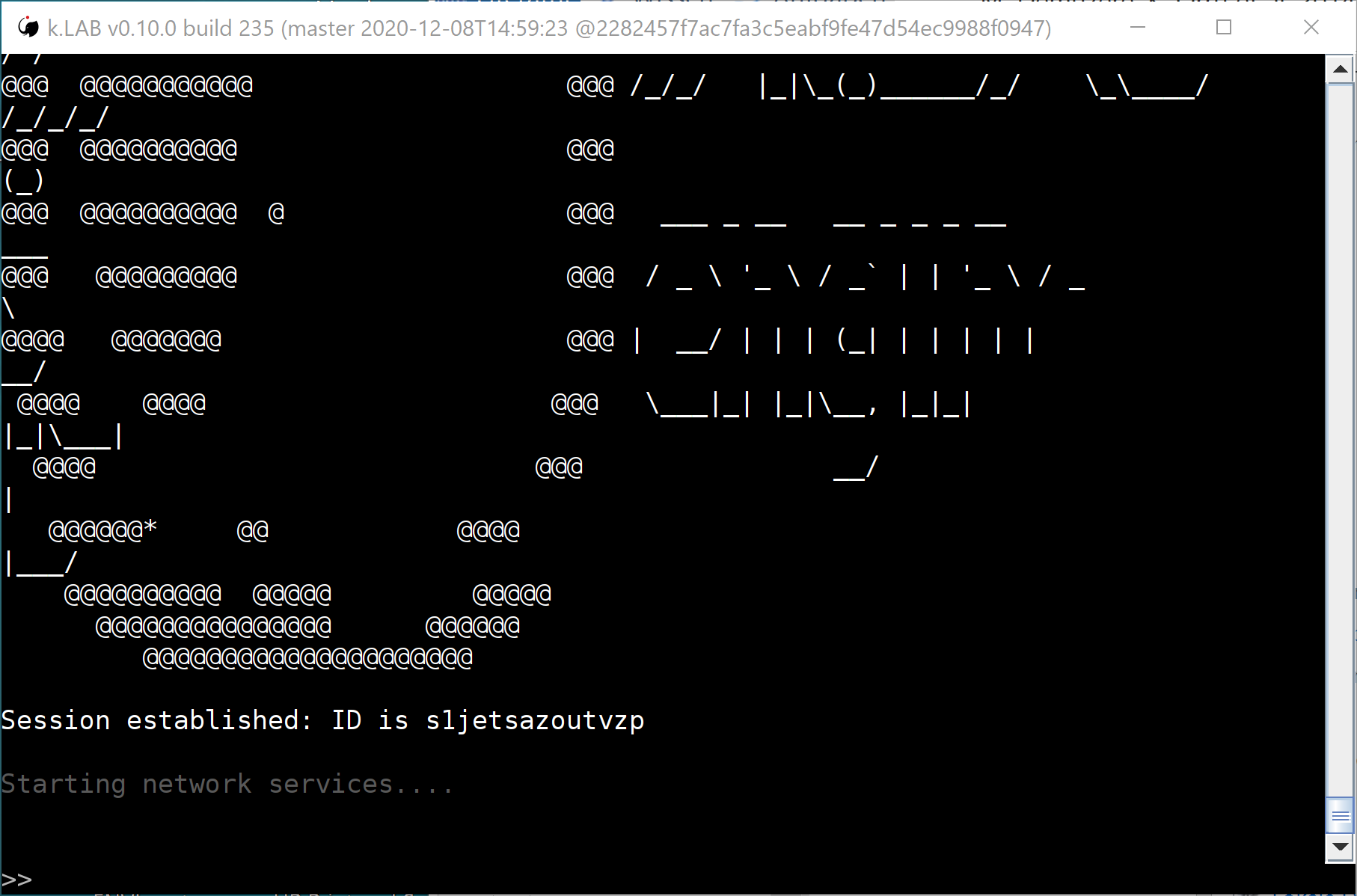
It seems a problem with the k.Engine startup, it doesn't start the network.
Try to close the black window and restart the control center and the engine.If the problem persists, please write to support@integratedmodelling.org
Añade tu comentario...

Hello,
Unfortunately I can not open the k.Explorer.
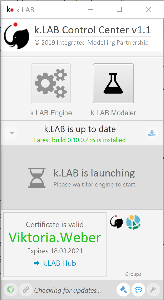
Although the button is colored green, I can not select it by clicking. Also the button to copy link is not selectable.
After I clicked on k.LAB Engine, the message 'K.LAB is launching, Please wait for engine to start' appeared.
How can I activate the k.Explorer?
Thanks in advance!